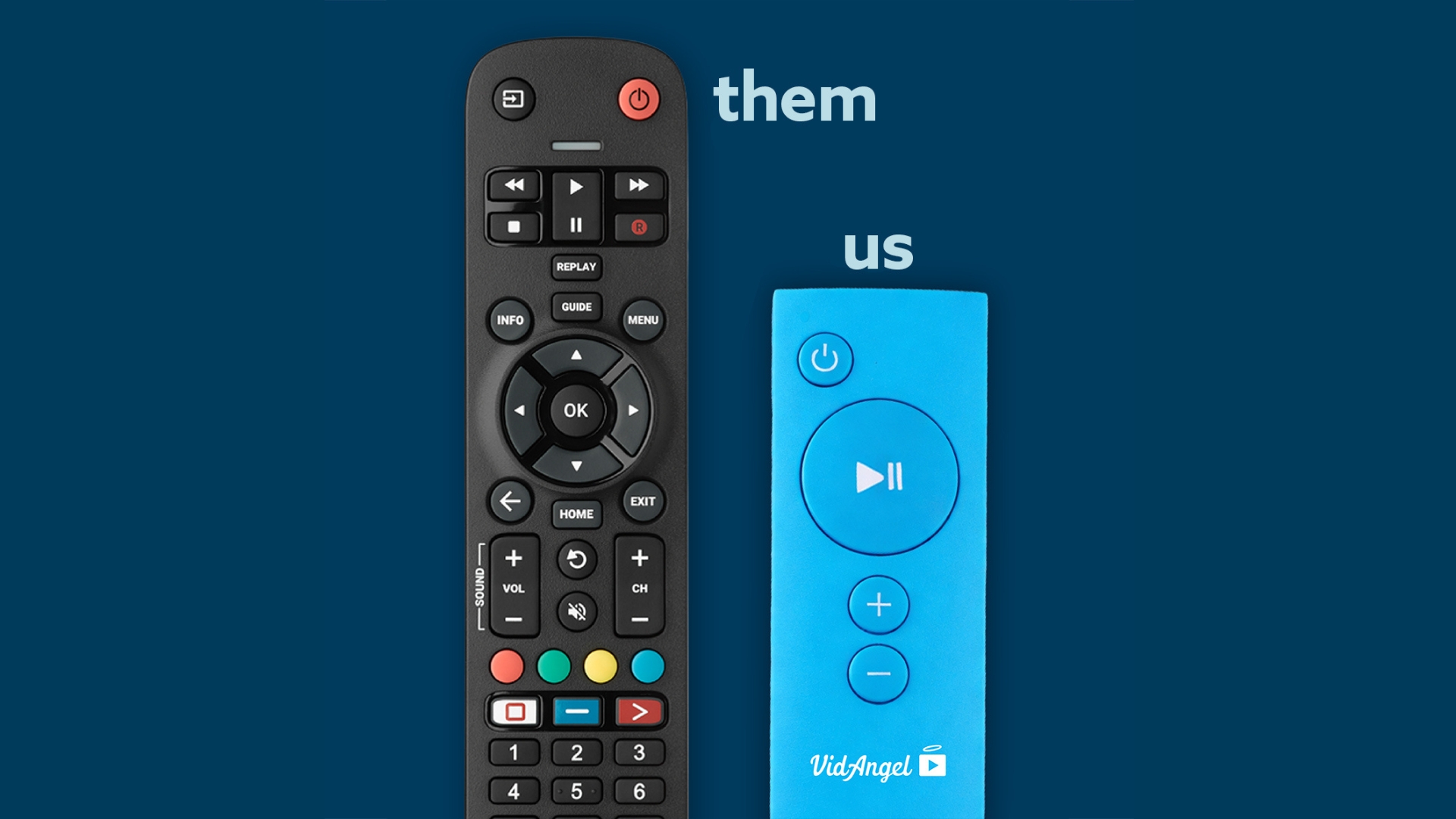
Skip Unwanted Scenes Without the Hassle
We’ve all been there.
You’re watching something good (really good!) and then you sense it. That moment when the show is about to go somewhere you’d rather it didn’t.
Your hand shoots to the remote. Decision time.
OPTION 1: The Fast-Forward Gamble
Fast-forward… but how far? Five seconds? Ten? Twenty?
Next, you rewind a bit… nope, went too far back. Try again.
And now? Congratulations! You’ve just seen the scene you were trying to avoid—twice—plus you got a lovely slideshow of awkward thumbnails while you were frantically scrambling with the remote.
Cool. Great system.
In reality, the fast-forward method works about as well as fixing a leak with duct tape and optimism. Sure, technically it’s a solution. But should you?
Plus, let’s be honest. There’s always that one person in the room who says, “Wait, what happened? Go back.” Now you’re explaining a scene you specifically didn’t want anyone to see.
OPTION 2: The Homework Method
Or maybe you’re the proactive type. Perhaps you’re a planner.
Before you even pressed play, you found a timestamp guide online. Some generous soul, who missed their calling as a forensic accountant, painstakingly documented every questionable scene: skip at 4:32, 18:47, 22:13, 31:08, 27:54 (wait, how did we go backward?), 34:12…
Now you’ve got your phone out with the blog pulled up. Fingers ready on the remote. Meanwhile, your eyes dart between the screen and the clock like you’re defusing a bomb.
Congrats! You’re now the Human Skip Button of your household, watching the timer more than the actual show.
However, one bathroom break or one moment where you actually get invested in the story, and oops! You’ve missed your skip window. Better luck next time.
And honestly? Who wants to turn movie night into a part-time job? That’s our job. Instead, your job is enjoying the show.
YOUR BEST OPTION: Filter Content Automatically with VidAngel
Here’s the thing: you’re not trying to avoid great entertainment. Similarly, you’re not trying to overcorrect and skip half the movie.
Instead, you just want to watch good content without the stuff that doesn’t work for you. And you want it to be easy.
That’s where VidAngel comes in.
VidAngel filters streaming content automatically and precisely. First, you choose what kind of content to skip once—profanity, violence, sexual content, whatever matters to you. Then it happens accurately, reliably, and automatically. Every single time.
No remote gymnastics, no thumbnail roulette, no watching the clock.
That’s control without overcorrecting.
As a result, you get to enjoy the story, the acting, and the cinematography (all the reasons you wanted to watch in the first place!) without compromising on what matters to you or your family.
Watch Movies and TV Shows Your Way
VidAngel gives families the power to filter unwanted content from popular streaming services. Whether you want to skip profanity in your favorite thriller or remove violent scenes from a family movie night, VidAngel makes it simple.
Furthermore, you don’t need timestamp guides or to fumble with the remote. Simply set your preferences once and watch with confidence.
Ready to take control of your streaming experience?
Here’s how to get started with VidAngel:
- Sign up for VidAngel
- Set your default filters based on what you typically want to skip
- Customize for each show depending on who’s watching
- Press play and actually enjoy movie night
New to VidAngel? Learn how VidAngel filtering works