Every app has that one function you discover a year in and immediately wish you’d known about. Some are new features you may have missed. Some have been there the whole time.
So we collected VidAngel tips from the people who know the platform best. Support agents who answer your questions. Engineers who build the thing. Marketers who use it at home with their own kids.
Here are the tips we would give a friend.
Train your recommendations in about thirty seconds
“There are two rows on the browse page, Your Next Series and Your Next Movie. Those react to you fast. Hit like or dislike on anything in there, refresh the page, and you’ll get a different set. It picks up on your taste quicker than most people expect.”
– Blake, Content Engineering
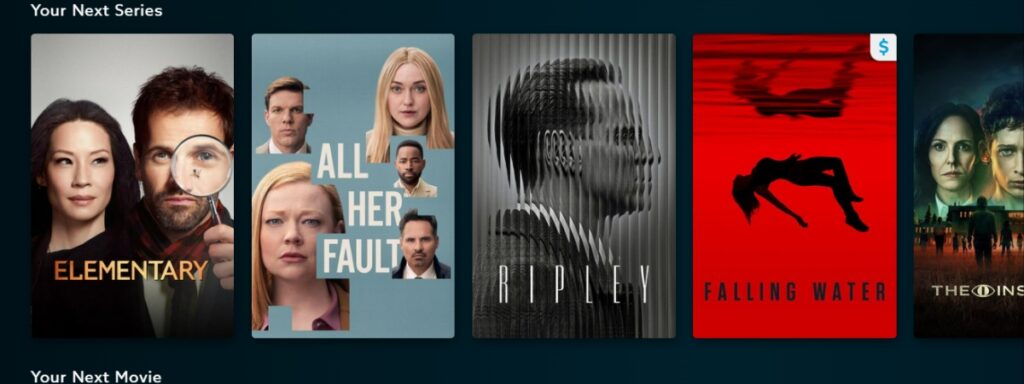
In other words, a few taps beats scrolling for ten minutes. Try it once and the browse page starts looking a lot more like you. You can also track your activity HERE with our new feature.
Go here for more information: Using My Activity
Check the Content Guide before you commit
“I have to point out Content Guides. They are so helpful for knowing exactly what you’re going to see, and so that you can choose to skip a title altogether if it’s not right for you.”
– Xana, Customer Support
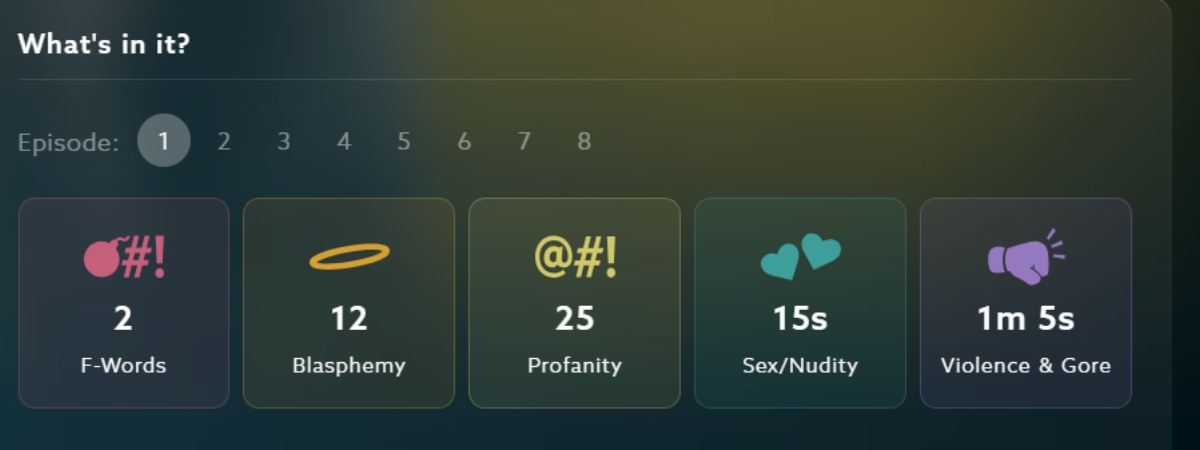
Sometimes you want to filter a title. Sometimes you want to know what you are walking into first. Filtering is one option. Skipping the whole thing is also an option. Both are yours.
Go here for more information: Content Guides.
Set your Default Filters, then check each title
“Definitely set your Default Filters (they apply to all titles), but you’ll also still want to check the title-specific filters for each show, just to catch those small things specific to that movie [or episode].”
– Pam, Customer Support
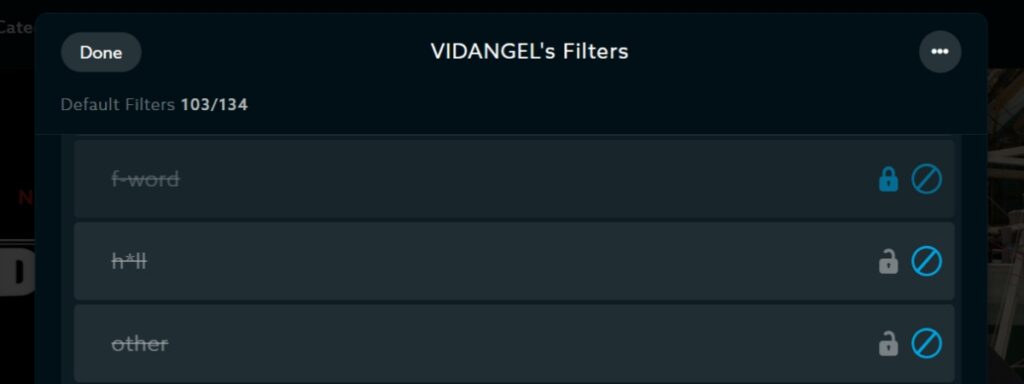
Default filters apply everywhere, which saves you from starting over on every show. Still, individual titles have their own quirks. Therefore, the best setup is both. Set the defaults once. Then glance at the title-specific list before you press play for your perfectly customized viewing experience.
Go here for more information: Setup Default Filters
Lock things down with Parental Controls
“If you have kids, you’ll definitely want to check out our updated Parental Controls! You can secure your parents’ profile, lock filter settings on any profile, and hide specific titles, ratings, or genres. I really love it.”
– Lauren, Marketing
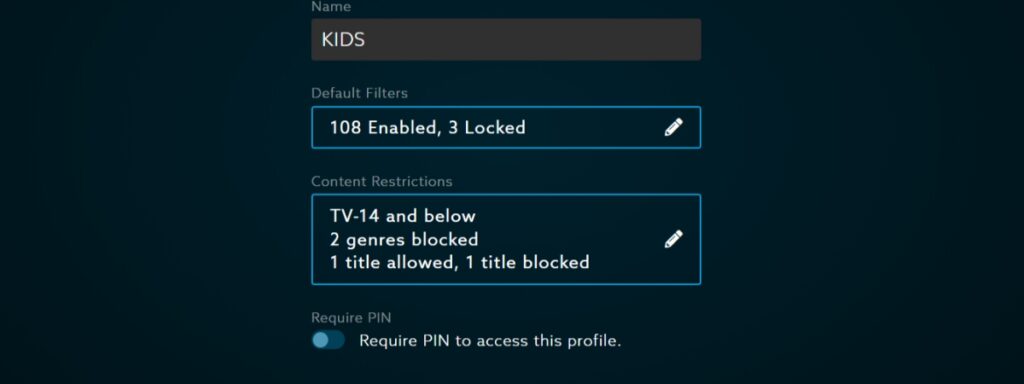
So you can customize not only your viewing experience but also your (and your kids’) browsing as well. With VidAngel, you’re truly the one in control here.
Go here for more information: Setup Parental Controls
Search finds more than titles
“Search finds more than titles. Type an actor’s name, then if you’re on the web, you can tap one of the ‘chips’ near the search bar. One shows everything we have with them in it. The other shows actors with a similar vibe. The # chip searches for keywords.”
– Blake, Content Engineering
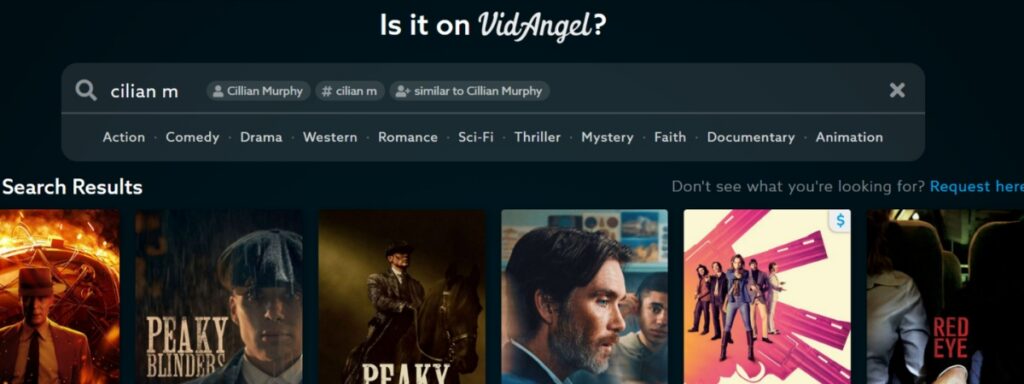
Three chips. One for that actor, one for similar actors, and one for keywords. Good for those nights when you know the vibe you want but not the title.
Go here for more information: “Is it on VidAngel?”
The Request Portal tells you what’s coming soon and from which service
“I’m so excited about the ‘Coming Soon’ section of our new Request Portal! I love the specificity of the status labels. Since we pull in content from different streaming services, it used to be confusing what was a brand new title vs a title that was just new to VidAngel vs something newly available on a different streaming service, etc. Now it’s easy to tell, and it makes my nerd heart happy.”
– Lauren, Marketing
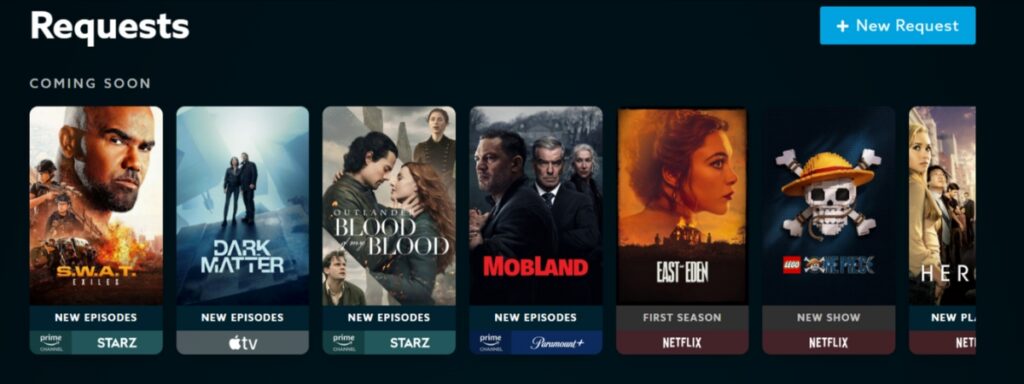
Each poster in Coming Soon carries two labels. The top one tells you what is happening. The bottom one tells you which streaming platform it will be on.
- New Show and New Movie: Arriving on VidAngel for the first time
- New Season: A whole new season, all at once
- New Episodes: A season currently releasing over time
- New Platform: A title moving to a different streaming service
So a returning favorite does not read the same as a first-time arrival, and you can tell at a glance whether something drops all at once or week by week. Small change, big relief.
Go here for more information: Request filters for movies and TV shows
You can do the entire setup from your phone
“You can do the whole setup on your phone. Create your account, link your services, and even finish setting up the TV app.”
– Alberto, Customer Support
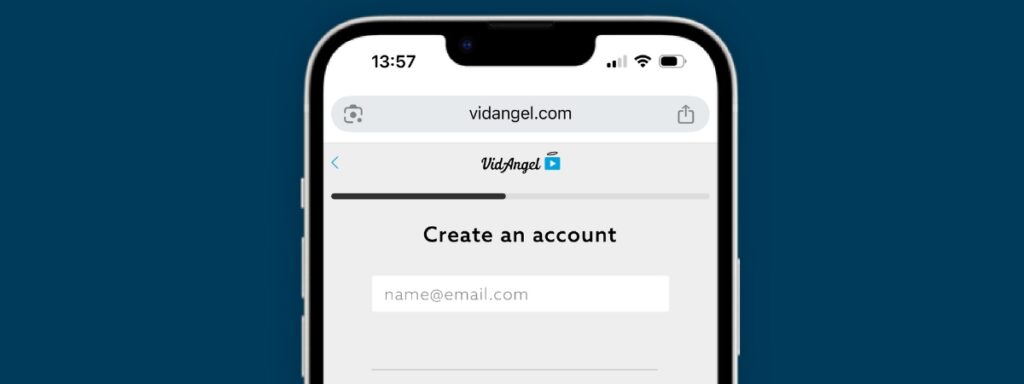
No laptop required. That includes setting your filters, linking your streaming services, and finishing TV app setup. Start to finish, one device.
Go here for more information: How to get started with VidAngel
Watch on the big screen
“Our TV apps will make the viewing experience much better (vs. watching on your computer or phone).”
– Jenny, Customer Support

It works on a browser and a phone app. It works better on the big screen. So be sure to get VidAngel on your TV.
Go here for more information: How can I watch VidAngel on my TV?
Two steps solve most playback problems
“My tip would be that the majority of watching errors/issues can be solved by relinking your service to VidAngel and keeping the app updated to the latest version.”
– Jen, Customer Support
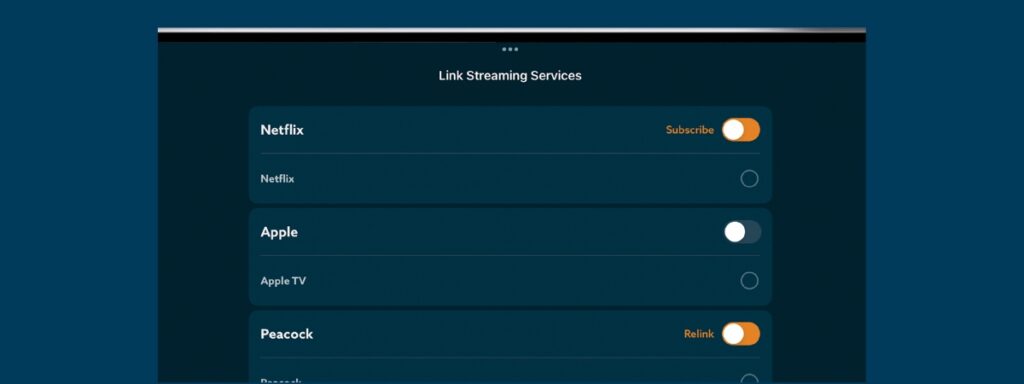
Before you write in about a title that will not load, try this: Relink your services. Update the app. That is it for the overwhelming majority of issues, and it takes about two minutes.
Go here for more information: Troubleshooting Guide
The Help Center is genuinely good
“If you’re a fix-it-yourself kind of person, then you should know about our Help Center! It’s really fantastic and kept up-to-date.”
– Lauren, Customer Support
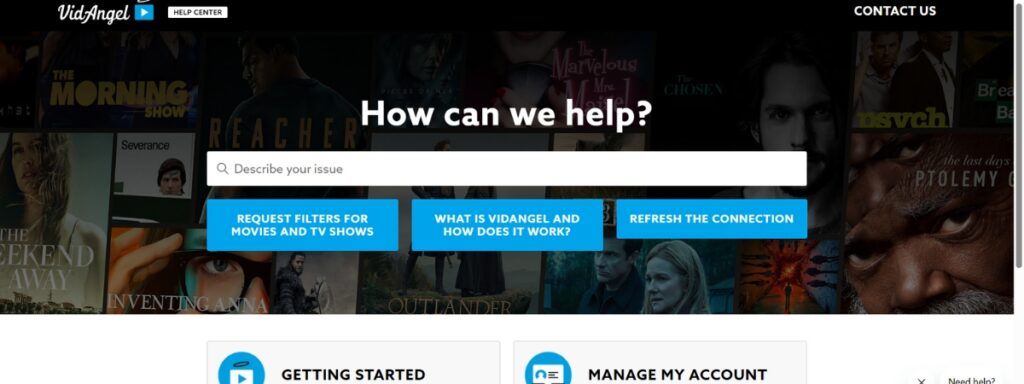
Some people would rather solve it themselves at eleven at night than wait for a reply. Fair.
Go here for more information: VidAngel Help Center
Or just ask us
“My biggest pro tip is… don’t be afraid to reach out! Whether it is a question or request, we want to hear from you! We love our customers and want to make your day.”
– Jennifer, Customer Support
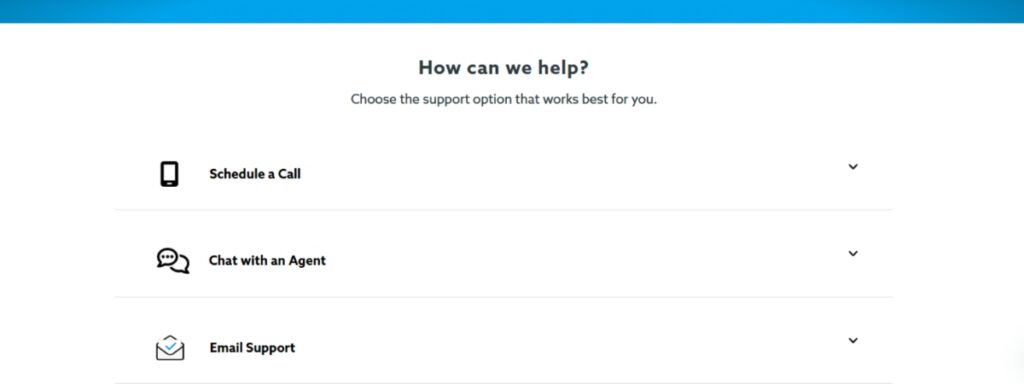
Our support team actually likes hearing from you. Contact VidAngel Support.
Go here for more information: Contact VidAngel Support
Follow along for a laugh and real-time conversation
“I’d for sure recommend following our Instagram and Facebook! Our social team is super great at updating people there with what’s new to VidAngel + is great at posting lots of funny memes!”
– Lydia, Customer Support
Join in on the fun and stay up-to-date. Follow VidAngel on Facebook, Instagram, X, Reddit, TikTok, and join our newsletter!
Ready to get started?
Here’s how to get started with VidAngel:
- Sign up for VidAngel
- Set your default filters based on what you typically want to skip
- Customize for each show depending on who’s watching
- Press play and actually enjoy movie night
New to VidAngel? Learn how VidAngel filtering works
- Why and How to Filter Marshals

- How to Get More Out of VidAngel: 12 Tips From the People Who Know It Best

- Marshals Recap: What to Know Before Season 2

- How to Request a Movie on VidAngel (And Actually Hear Back)

- VidAngel’s Top 10 Movies & Shows This Month

- The One Thing Missing From Every Movie Room (And It’s Not the Popcorn Machine)